
Import & Export
MapEdit supports importing and exporting data in multiple formats, making it easy to work with data from other GIS applications and share your work.
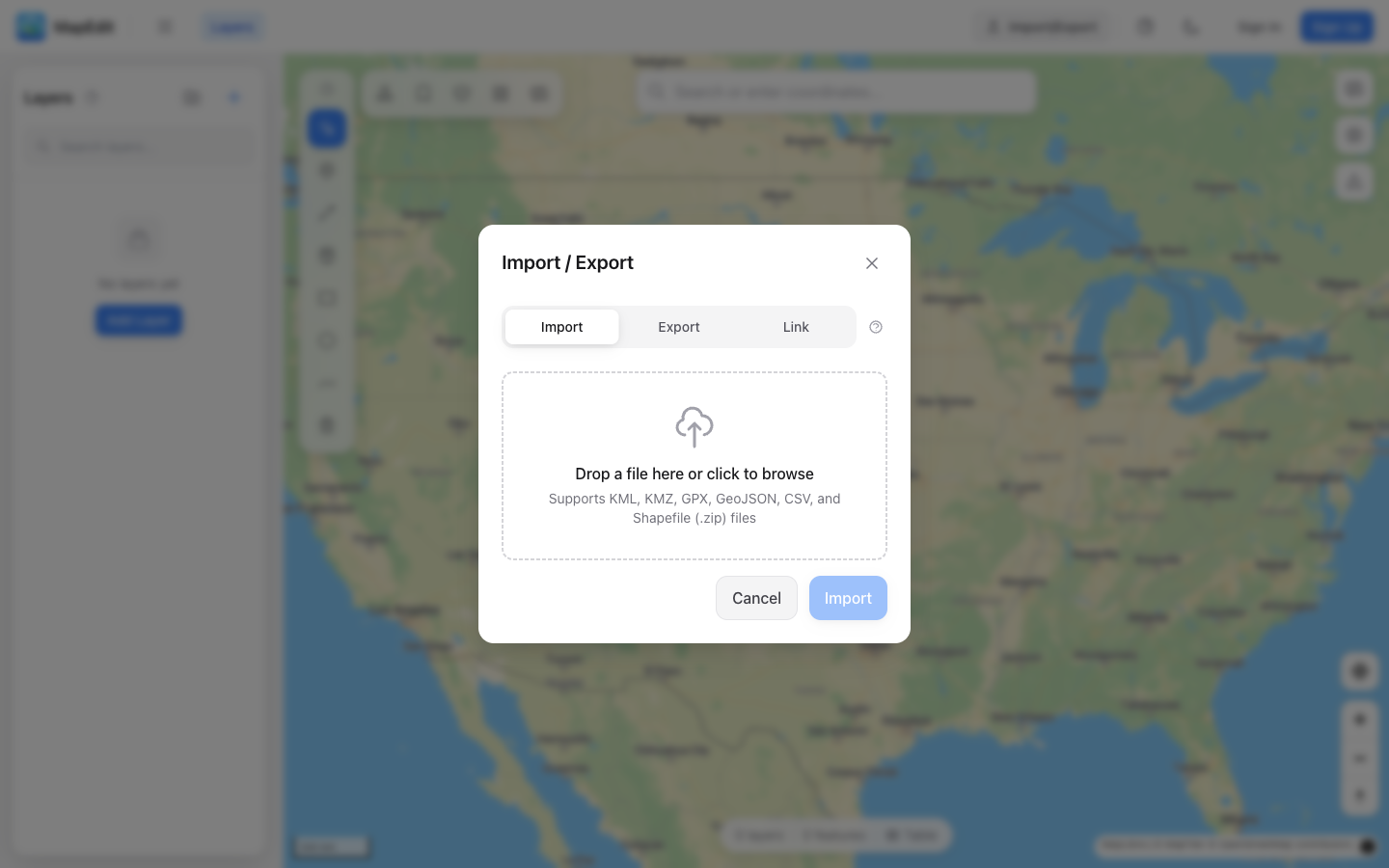
Supported Import Formats
- KML — Keyhole Markup Language (Google Earth)
- KMZ — Compressed KML files
- GeoJSON — Standard geographic JSON format
- GPX — GPS Exchange Format (tracks and waypoints)
- CSV — Comma-separated values with coordinates
- Shapefile — Zipped .shp/.dbf/.shx from ArcGIS and other GIS tools
- TopoJSON — Topologically compressed JSON format
Supported Export Formats
- KML — Compatible with Google Earth and many GIS tools
- GeoJSON — Web-friendly format for developers
- GPX — GPS Exchange Format for tracks and waypoints
- Shapefile — Zipped .shp/.dbf/.shx for desktop GIS software
- CSV — Tabular data with coordinates
- TopoJSON — Topologically compressed format
- WKT — Well-Known Text geometry format
How to Import
- Open the Import/Export panel in the left sidebar
- Click the Import tab
- Drag and drop a file, or click to browse
- Configure import settings if prompted
- Click Import to add the data to your map
How to Export
- Open the Import/Export panel in the left sidebar
- Click the Export tab
- Choose which layers to export (all or selected)
- Select the export format
- Click Export to download the file
File Size Limits
- Text files (KML, GeoJSON, GPX, CSV, TopoJSON): 50 MB maximum
- KMZ and Shapefile archives (.kmz, .zip): 25 MB maximum
- Feature count: 50,000 features maximum per import
For very large datasets, consider splitting them into multiple files or simplifying complex geometries before import.
Live Data Sources
In addition to file imports, you can link layers to live data sources that update automatically. Use the Link tab in the Import/Export panel to connect to KML feeds, GeoJSON endpoints, or JSON APIs.
- Real-time data from KML, GeoJSON, and JSON API endpoints
- Configurable refresh intervals (5 min to 1 hour, or on load only)
- JSON field mapping for custom API responses
- Shared maps fetch fresh data client-side on every visit
Large Dataset Handling
When importing datasets with more than 5,000 features or 100,000 vertices, MapEdit will prompt you to simplify the data before loading. This uses topology-aware Visvalingam simplification to reduce complexity while preserving shared polygon boundaries.
- Adjustable simplification percentage (keep 5–100% of detail)
- Preserves polygon topology — shared boundaries stay aligned
- Shows before/after vertex counts
- Option to skip and load the full dataset as-is
Import Options
When importing, you can configure:
- Layer organization — Single layer or group by feature name
- Style preservation — Keep original colors from the file
- Feature selection — Choose which features to import
- Border visibility — Show or hide polygon outlines